
AI Shader Generator: Create Live Visuals from a Sentence
LayerMapper AI Shaders turns a text prompt into a GLSL shader, lets you tweak it live and sends it to MApp. 440+ shaders included, 7-day free trial.

Writing a good GLSL shader takes maths, patience and a lot of trial and error. LayerMapper AI Shaders removes most of that: describe the effect you want, and the AI writes the code. Then tweak it with sliders and send it straight into a mapping show.
440+ shaders before you type a word
The app comes with more than 440 curated, parameterised shaders in 21 categories – tunnels, nature, geometric, retro, psychedelic, cosmic, liquid, fire, audio-reactive, particles, neon and more. Every shader has its parameters already mapped to controls, so you can start performing immediately.
Text to shader
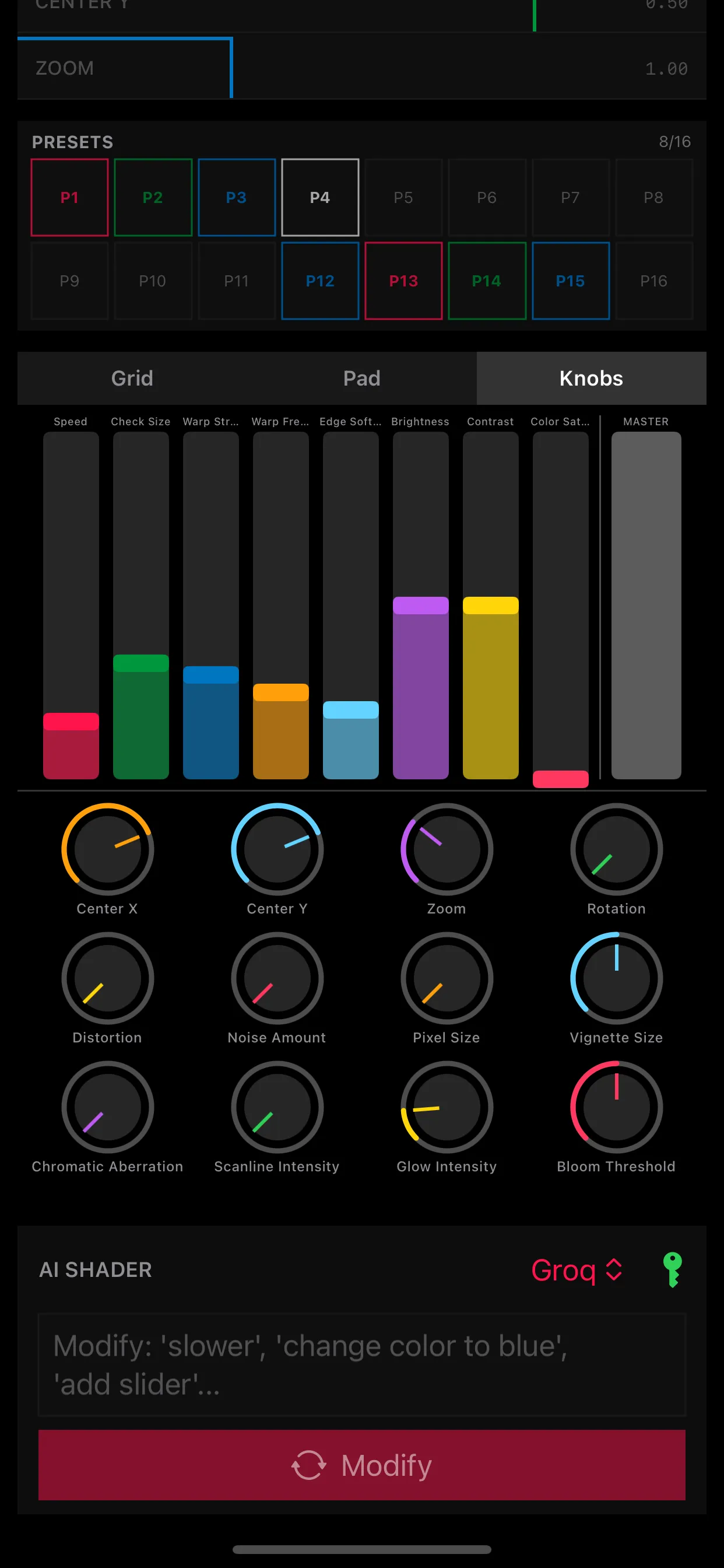
- Describe the effect – for example “a liquid neon pulse reacting to bass”.
- The AI writes the GLSL code and the shader appears in the preview.
- Refine it in words – “slower”, “change colour to blue”, “add a slider for zoom” – or ask the AI to fix an error.
- Save it in your folders, next to thousands of others.
You choose the AI provider and use your own API key; the prompt goes from your device directly to that provider.
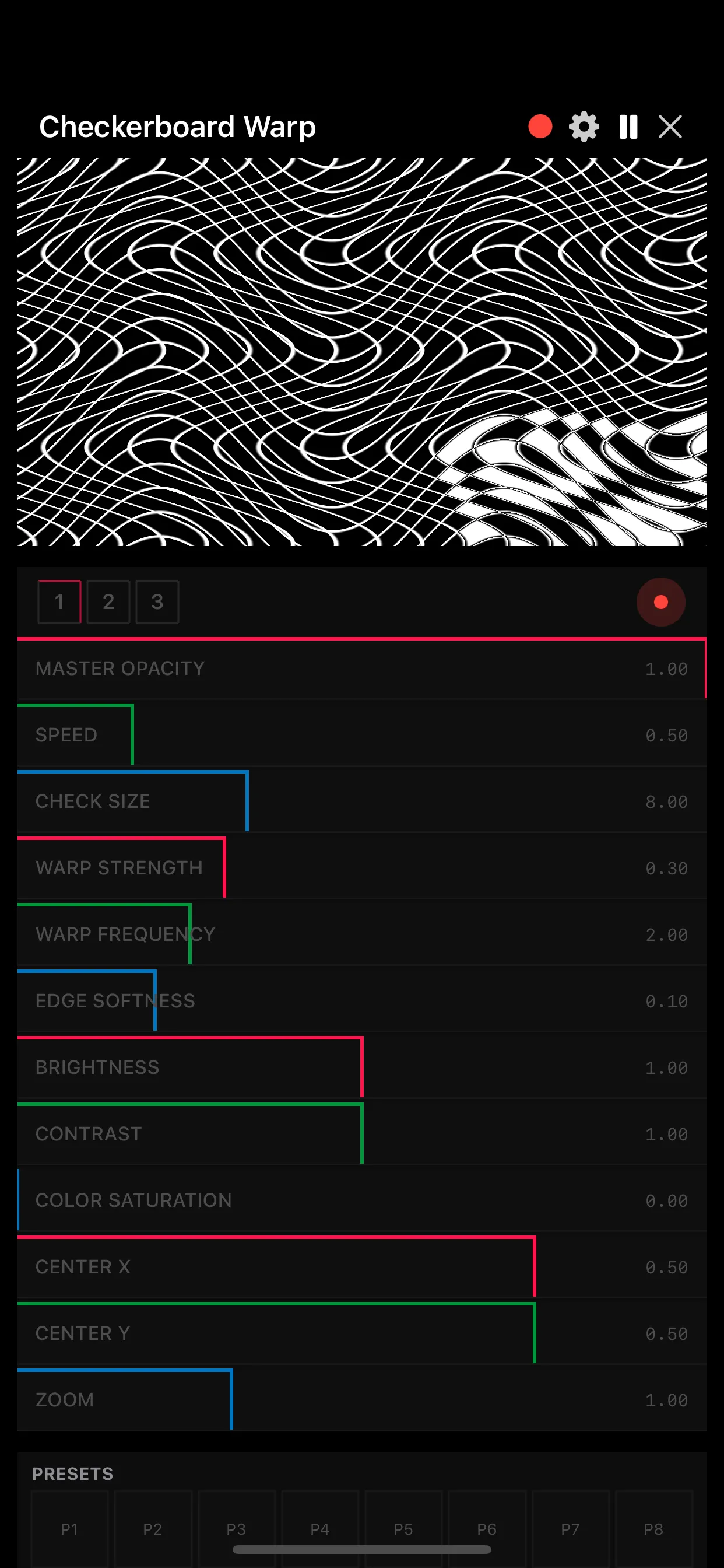
Perform it live
- Toggle grid, XY pads, faders and knobs for hands-on control on iPhone and iPad.
- Presets for quick switching between looks.
- Full-screen performance mode hides the interface.
Send it to LayerMapper MApp
AI Shaders broadcasts a clean, UI-free feed to LayerMapper MApp over multicast on the local network. In MApp the shader arrives as an input you can map, duplicate and blend like any clip. Several iPads can feed one show – for example one generating shaders while another runs the mapping. This is how we built shows such as the umbrella and lamp projects.
Share with the community
Publish your shaders to the community library and download what others share. Folders and categories keep large collections manageable.
Summary
LayerMapper AI Shaders gives non-coders a way into shader art and gives coders a faster workflow. Try it free for 7 days, then $4.40 per month – details on the AI Shaders page.
Frequently asked questions
Do I need to know GLSL to use LayerMapper AI Shaders?
No. You describe the effect in words and the AI writes the shader code. A full code editor is there if you want to edit it yourself.
Which AI does the app use?
You choose the AI provider and use your own API key; your prompt goes from your device directly to that provider.
How much does it cost?
LayerMapper AI Shaders costs $4.40 per month after a 7-day free trial.
